
Linux でデスクトップアイコンをあれこれするメモ
はじめに
いろいろなディストリビューションを渡り歩いたなかでの、Linux でデスクトップアイコンをあれこれするためのメモ。
アプリの起動時にオプションを足す、自作のスクリプト・アプリをデスクトップアイコンから起動するといった場合に有効。
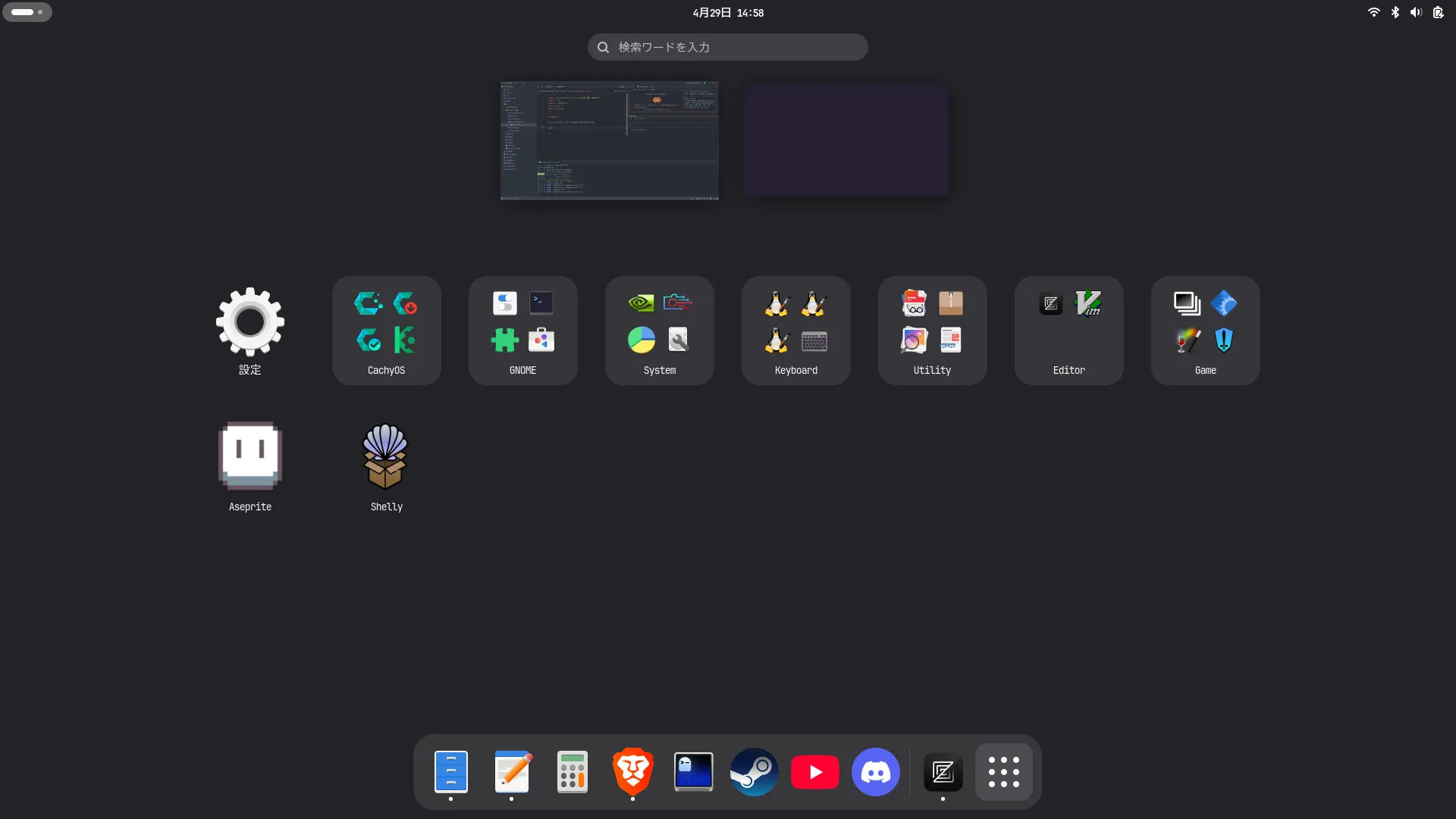
デスクトップアイコンの仕組み
デスクトップエントリ(.desktopファイル)の配置場所は、インストールの方法によって主に以下の2箇所に分かれる。
- ユーザー設定:
~/.local/share/applications(手動インストールやユーザー専用アプリ) - システム設定:
/usr/share/applications(パッケージマネージャ経由やOS標準アプリ)
Zed エディタのデスクトップアイコンのファイルの中身はこんな感じ。(ユーザーネームは {username} に置換してある)
[Desktop Entry]
Version=1.0
Type=Application
Name=Zed
GenericName=Text Editor
Comment=A high-performance, multiplayer code editor.
TryExec=/home/{username}/.local/zed.app/bin/zed
StartupNotify=true
Exec=/home/{username}/.local/zed.app/bin/zed %U
Icon=/home/{username}/.local/zed.app/share/icons/hicolor/512x512/apps/zed.png
Categories=Utility;TextEditor;Development;IDE;
Keywords=zed;
# To add Zed to "Open Folder With..." context menu, add `inode/directory` to the MimeType field (semicolon separated)
# Arch linux users have reported this setting Zed as default file browser. See https://github.com/zed-industries/zed/pull/39076 and related issues.
# If this happens to you, an unconfirmed fix may be to install Arch's `gnome-defaults-list` package.
MimeType=text/plain;application/x-zerosize;x-scheme-handler/zed;
Actions=NewWorkspace;

[Desktop Action NewWorkspace]
Exec=/home/{username}/.local/zed.app/bin/zed --new %U
Name=Open a new workspace
詳細な仕様は Freedesktop.org という団体が決めているらしい。
記法
[グループ名] カテゴリを分け
キー=値 各種プロパティの設定
以下に重要な項目のみ抜粋する。
エントリ
[Desktop Entry] の設定について
Name Type は必須項目
-
Nameランチャーやメニューに表示される名前 -
TypeApplication、Link、Directory のいずれかから選ぶ -
Execアプリを起動するコマンドフィールドコードで引数を渡せる(
%Uは複数のURL/ファイルパスを受け取るための指定など) -
TryExecこのフルパスにファイルがない場合メニューに表示されない -
Icon表示されるアイコンのフルパス -
Actionsアイコンを右クリックしたときのメニュー項目複数あるときは
;で区切る
右クリックアクション
[Desktop Action xxx] の設定について
xxx はエントリーの Actions にも登録する
Name右クリックメニューに表示される名前Execメニュー選択時のコマンド
ちょっとした Tips
-
反映されないときは、ファイルの中身を空にして保存
-> メニューからアイコンが消えるのを確認してから、内容を戻すと強制的に反映できる。
-
~を使ったホームディレクトリの指定は無効のため、フルパスで指定する。デスクトップエントリはシェルを介さず直接実行されるのでシェル変数が展開されないっぽい
関連リソース
Desktop Entry Specification
1 Introduction # Both the KDE and GNOME desktop environments have adopted a similar format for desktop entries , or configuration files describing how a particular program is to be launched, how it appears in menus, etc. It is to the larger community's benefit that a unified standard be agreed upon …